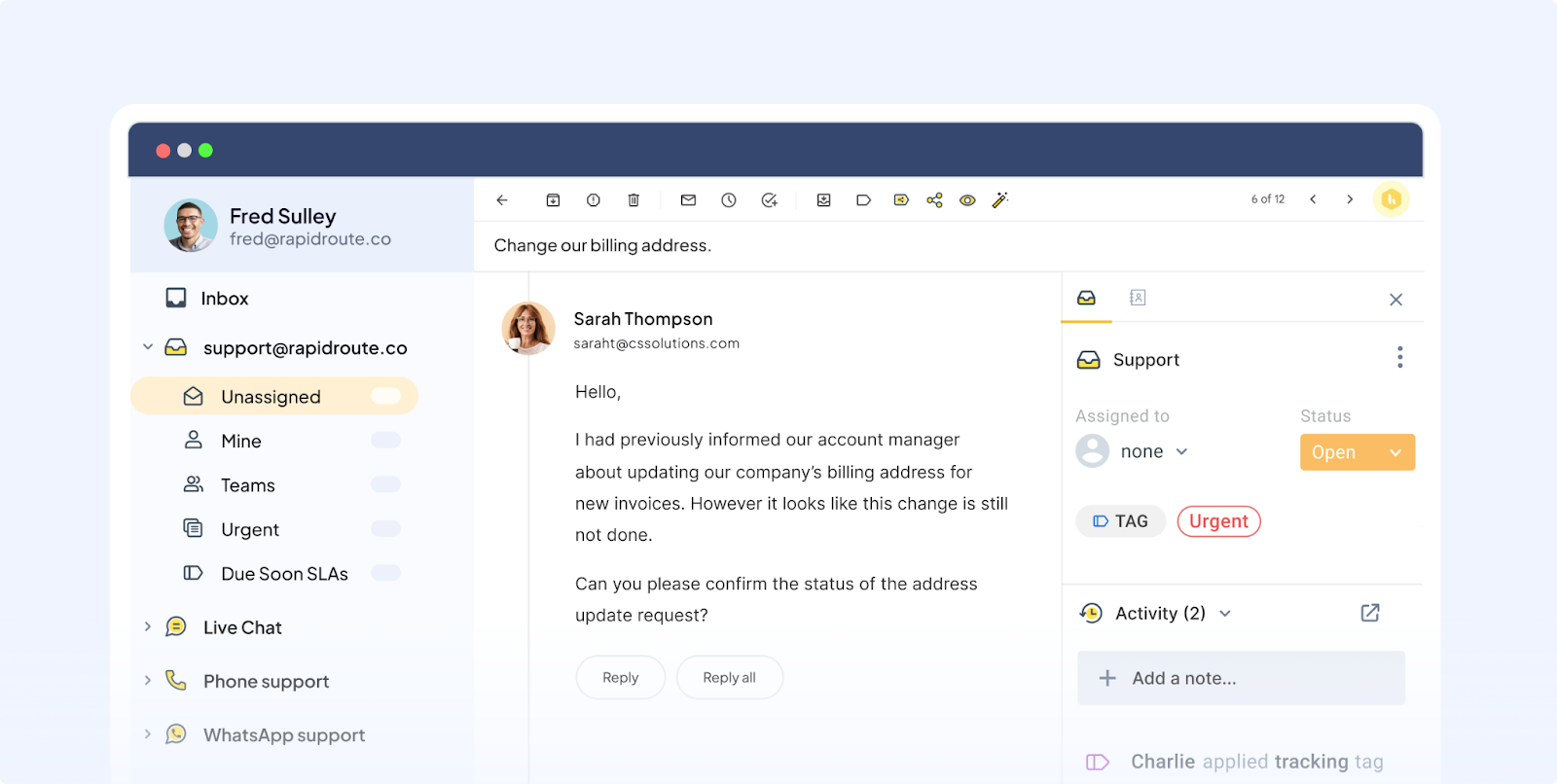
How to Use AI to Manage Your Emails Faster (Free Tools Inside)
Managing emails can quickly drain your focus and productivity.
With overflowing inboxes, staying on top of messages feels overwhelming.
This article shows how AI tools help you manage emails faster and smarter—plus free apps to try today.
Boost Your Email Workflow with AI-Powered Tools
AI-powered email tools transform how you handle messages by automating routine tasks.
They help you prioritize, summarize, and even draft replies, saving valuable time.
By integrating AI into your workflow, you can focus more on important tasks and less on inbox clutter.
- Smart sorting: Automatically categorize emails into folders like important, promotions, or social.
- Auto-replies: Draft quick responses based on your style and past emails.
- Email summaries: Get concise overviews of long email threads without reading every line.
Superhuman
App Name: An AI-enhanced email client that prioritizes your inbox intelligently.
Why it helps: Speeds up reading and replying by surfacing key emails first.
SaneBox
App Name: Uses AI to filter unimportant emails into a separate folder.
Why it helps: Keeps your inbox clean and focused on what truly matters.
These tools optimize your workflow by reducing decision fatigue and email overload.
Explore how they can boost your productivity with minimal effort.
Top Free AI Apps to Speed Up Your Inbox Management
Complement your main tools with free AI apps designed to enhance email handling.
These simple tools can make a big difference in daily performance.
- Mailbird Lite – A free email client with AI-powered search and quick reply templates.
- Boomerang Respondable – Helps you write better emails by analyzing tone and clarity.
- Gmail Smart Compose – Offers AI-generated sentence suggestions as you type.
- Microsoft Outlook’s Focused Inbox – Separates important emails from less urgent ones automatically.
- Flowrite – Generates professional email drafts based on brief prompts.
Using these free apps alongside your primary AI tools creates a seamless inbox experience.
They help you save time while maintaining clear, effective communication.
How to Apply It
Try this simple approach to start managing your emails faster with AI today:
- Connect your email account to an AI-powered client like Superhuman or Mailbird.
- Enable features like smart sorting and auto-replies to reduce manual work.
- Use AI tools to summarize long emails before responding.
- Experiment with free apps like Boomerang or Flowrite to enhance writing speed.
- Set aside specific times daily to process emails with AI assistance.
- Review and adjust AI settings weekly to improve accuracy.
Try at least one of these strategies this week to see results fast.
Small changes can lead to big gains in your email workflow and focus.
Wellness & Focus Balance
Maintaining digital balance is key to sustainable productivity and mental clarity.
- Take 5-minute breaks after handling emails to reset your focus and reduce eye strain.
- Use deep breathing exercises to stay calm when your inbox feels overwhelming.
- Declutter your digital workspace by unsubscribing from unnecessary newsletters regularly.
These wellness habits support your productivity by preventing burnout and improving concentration.
Combine AI efficiency with mindful practices for the best 2025 Edition workflow.
Key Takeaway
AI tools revolutionize email management by automating tedious tasks and boosting focus.
Free apps make these benefits accessible to everyone looking to improve their workflow.
Keep exploring smart tools that make your day lighter and more productive.
Embrace AI-driven email strategies and reclaim your time for what truly matters.