
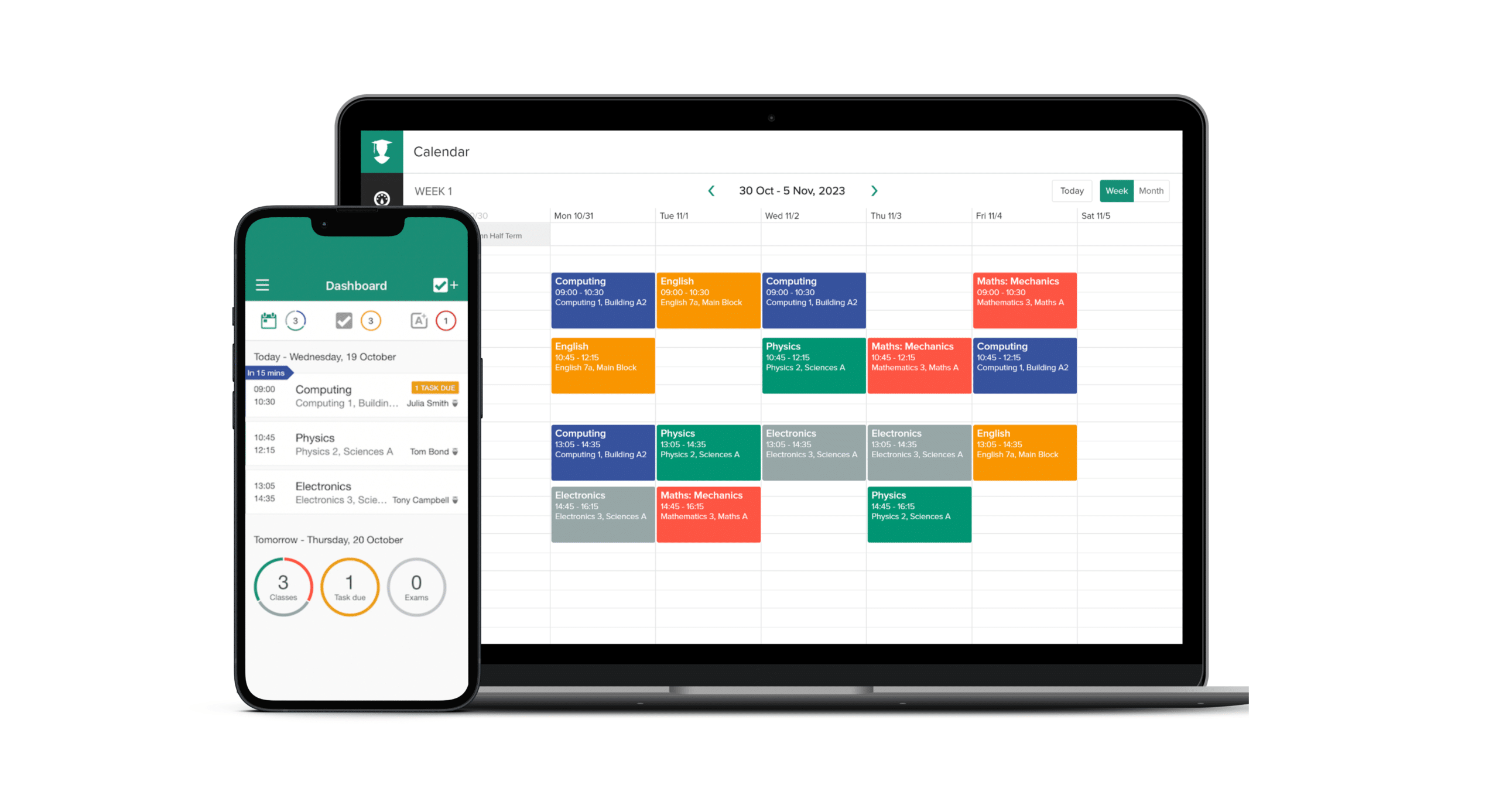
How to Build a Perfect Study Schedule With Apps (2025 Guide)
Between lectures, assignments, and exams, college life can feel overwhelming. The key to success isn’t just studying harder—it’s studying smarter. One of the most effective ways to do that is by building a study schedule with the help of apps.
In the U.S. and U.K., students are turning to digital tools to plan their days, stay focused, and maximize productivity. Here’s how you can build your perfect study schedule in 2025, using the best free and paid apps available.
Step 1: Set Your Study Goals

Before you open any app, define what you need to achieve:
- Daily reading or revision hours
- Preparing for upcoming exams
- Completing assignments on time
- Balancing study with breaks and free time
Having clear goals will help you choose the right apps and structure your schedule effectively.
Step 2: Choose the Right Calendar App
Recommended Apps:
- Google Calendar (Free) – Syncs across all devices, color-coded events, integrates with Google Classroom.
- Apple Calendar (Free for iOS users) – Perfect for MacBook and iPhone users who want a clean interface.
- Microsoft Outlook Calendar (Free) – Best for students already using Office 365.
💡 Tip: Block study sessions like appointments—you’re more likely to stick to them.
Step 3: Organize Tasks and Assignments
Recommended Apps:
- Notion (Free & Paid) – Create custom study dashboards, track assignments, and link notes.
- Todoist (Free & Paid) – A to-do list app with reminders and recurring tasks.
- Trello (Free & Paid) – Visual task boards to manage coursework and group projects.
💡 Tip: Break big tasks (like essays) into smaller chunks with deadlines.
Step 4: Use Focus Apps to Stay on Track
Even the best schedule won’t work if you keep checking TikTok or Instagram. Focus apps can help you manage distractions.

Recommended Apps:
- Forest (Free & Paid) – Stay focused by growing virtual trees during study sessions.
- Freedom (Paid) – Block distracting websites and apps during scheduled study time.
- StayFocusd (Free) – Chrome extension that limits time spent on social media.
💡 Tip: Try the Pomodoro technique (25 minutes of focus + 5-minute break) for maximum efficiency.
Step 5: Add Breaks and Relaxation
Your brain needs downtime to process information. Adding relaxation into your schedule is just as important as studying.
Recommended Apps:
- Headspace (Free & Paid) – Guided meditations and stress relief for students.
- Harmonía Sound Therapy – Downloadable sound packs designed to reduce anxiety and improve focus.
- Calm (Free & Paid) – Sleep stories and breathing exercises for better rest.
💡 Tip: Schedule 10–15 minutes of relaxation between long study sessions.
Step 6: Track Your Progress
A schedule only works if you stick to it. Use apps that track time and progress to keep yourself accountable.
Recommended Apps:
- RescueTime (Free & Paid) – Monitors your screen time and productivity.
- My Study Life (Free) – Designed specifically for students to track exams, homework, and class schedules.
- Habitica (Free & Paid) – Gamifies studying by turning tasks into a role-playing game.

💡 Tip: Review your study schedule weekly and adjust based on what worked and what didn’t.
Example of a Perfect Study Schedule With Apps
- 8:30 AM – 10:00 AM: Deep study session (Google Calendar + Forest)
- 10:00 AM – 10:15 AM: Break with meditation (Headspace)
- 10:15 AM – 12:00 PM: Assignment work (Notion + Pomodoro)
- 12:00 PM – 1:00 PM: Lunch and relaxation (Harmonía Sound Therapy)
- 1:00 PM – 3:00 PM: Group project (Trello + Google Meet)
- 3:00 PM – 3:15 PM: Quick walk or breathwork (Breathwrk app)
- 3:15 PM – 5:00 PM: Revision session (My Study Life + Freedom)
Building a study schedule doesn’t have to be complicated. With the right apps, you can stay organized, focused, and stress-free while keeping track of assignments and exams.
👉 Try out a few of these study apps today, and start building your perfect study schedule for 2025.


