How to Reduce Mental Clutter with Tech Minimalism
Feeling overwhelmed by endless notifications, scattered apps, and digital noise? You’re not alone. Mental clutter is the silent productivity killer—it drains your focus, fuels anxiety, and makes even simple tasks feel exhausting. But there’s a game-changing solution: tech minimalism. By streamlining your digital life, you can reclaim clarity, boost time management, and finally enjoy a sense of calm control.
Ready to clear your mind and work smarter? In this guide, you’ll discover practical tech minimalism strategies, powerful free tools, and actionable tips to help you organize, focus, and thrive—starting today.
Comparison Table: Top Tech Minimalism Tools & Methods
| Tool/Method | Key Benefit | Effort Level |
|---|---|---|
| Minimalist Home Screen | Reduces distraction and decision fatigue | Low |
| Notion (Notion*) | Centralizes notes, tasks, and projects | Medium |
| Focus Mode (Forest*) | Blocks distractions, increases deep work time | Low |
Proven Tech Minimalism Strategies for Instant Mental Clarity
Streamline Your Digital Workspace
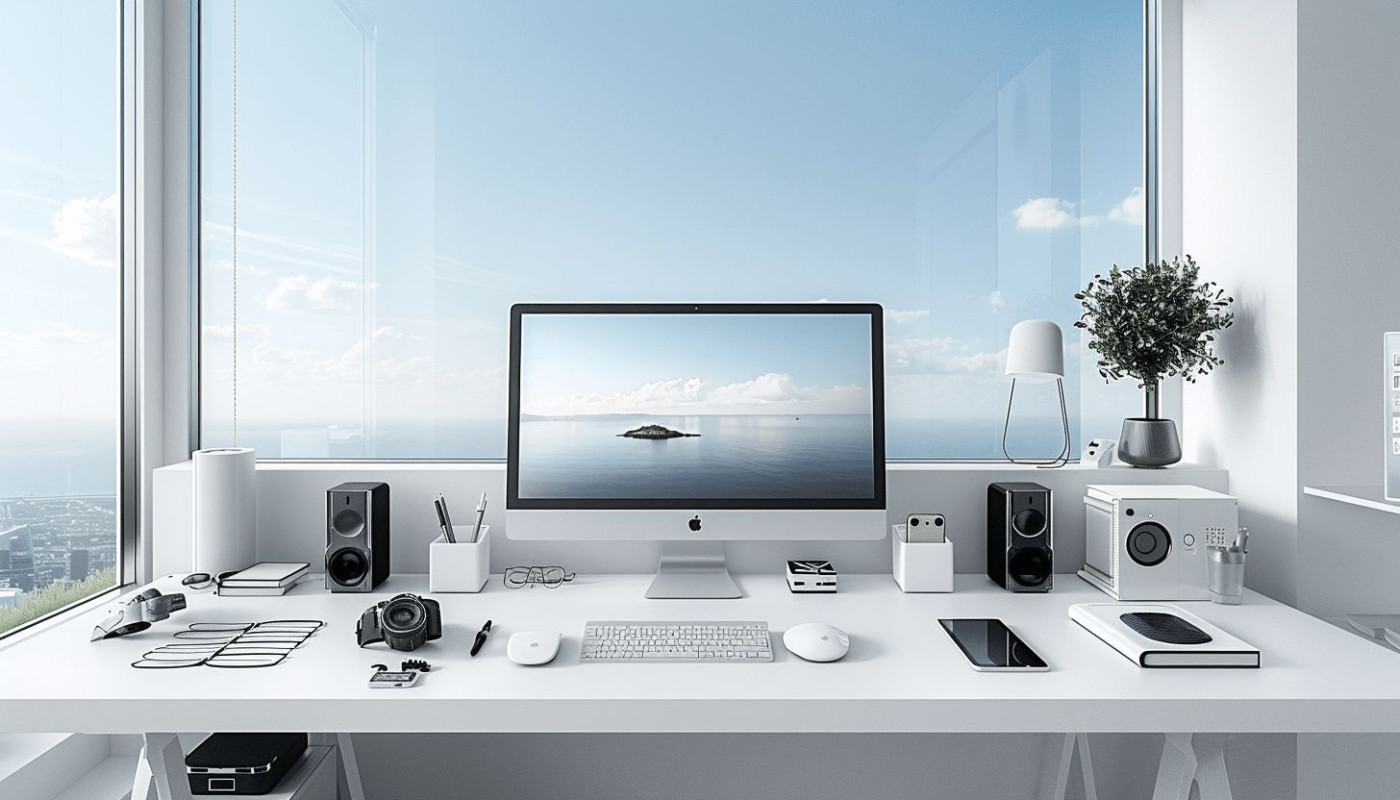
Let’s face it: cluttered desktops and overflowing tabs make it impossible to focus. The first step? Clean up your digital workspace.
Remove unused apps from your phone and computer. Organize files into clear, labeled folders.
Set your browser to open with a single, productive tab—like your calendar or to-do list.
💡 Quick insight: A tidy digital space reduces micro-decisions and instantly boosts focus.
Embrace Single-Tasking Apps
Multitasking is a myth. Switching between apps and notifications shatters your concentration.
Instead, use single-tasking apps that keep you focused on one thing at a time.
Try using Notion (Notion) or Todoist (Todoist) for centralized task management—no more juggling five apps at once.
🚀 Pro tip: Batch similar tasks together and schedule them in focused blocks for maximum efficiency.
Harness Minimalist Phone Setups
Your phone should work for you—not against you. Start by decluttering your home screen.
Limit it to only essential apps, like your calendar, maps, and a single productivity app.
Turn off non-essential notifications and use Focus Mode (Forest*) to block distractions during deep work sessions.
But here’s the real secret: The fewer digital choices you have, the less mental energy you waste.
Best Free Tools for Digital Decluttering: 2026 Edition
Notion: The All-in-One Digital Brain
Notion (Notion*) is your digital Swiss Army knife.
It lets you organize notes, tasks, projects, and even study schedules—all in one place.
With customizable templates, you can build a system that fits your life, not the other way around.
💡 Quick insight: Notion’s minimalist interface makes it easy to focus on what matters.
Forest: Stay Off Your Phone, Grow a Tree
Forest (Forest*) turns focus into a game.
Set a timer, put your phone down, and watch a virtual tree grow. If you leave the app, your tree dies.
It’s a fun, visual way to build better work habits and resist the urge to scroll.
🚀 Pro tip: Challenge friends or coworkers to a “forest” session for a burst of friendly accountability.
Google Keep: Quick, Clutter-Free Notes
Google Keep (Google Keep*) is perfect for capturing ideas without overwhelming you with features.
Color-coded notes, simple checklists, and voice memos keep things light and fast.
Sync across devices for seamless digital organization—ideal for both study and work.
But here’s the secret most people miss: The best tools are the ones you’ll actually use every day.
How to Build a Minimalist Digital Routine
Morning: Set Intentions, Not Notifications
Start your day by checking your calendar and top three priorities—nothing else.
Avoid email and social media for the first hour.
Use a single app, like Todoist (Todoist*), to review your focus tasks.
Midday: Batch & Block
Group similar tasks together—like replying to emails or updating project notes.
Use Focus Mode (Forest*) to block interruptions during these blocks.
Take micro-breaks to reset your mind and avoid burnout.
Evening: Digital Shutdown Ritual
End your day by closing all tabs and logging out of work apps.
Review what you accomplished in Notion (Notion) or Google Keep (Google Keep).
Reflect on what worked and set tomorrow’s top priority.
💡 Quick insight: A digital shutdown routine signals your brain that it’s time to rest.
The Science: Why Tech Minimalism Works
Reduces Decision Fatigue
Every notification, app, or open tab is a tiny decision.
Tech minimalism slashes these micro-decisions, freeing up mental energy for what matters.
According to Harvard Business Review, less digital noise means more willpower and focus.
Boosts Deep Work and Flow
When you eliminate distractions, you create space for deep, focused work.
Cal Newport’s research on deep work shows that minimalism is key to entering flow states.
You’ll get more done in less time—and feel less stressed.
Supports Better Work-Life Balance
By setting boundaries with tech, you create clear lines between work and rest.
This helps prevent burnout and improves your overall well-being.
A minimalist approach lets you enjoy both productivity and peace of mind.
But here’s what most productivity gurus won’t tell you: It’s not about having fewer tools—it’s about having the right ones.
AI and Automation: Minimalism Meets Smart Productivity
Use AI to Reduce Repetitive Tasks
AI isn’t about complexity—it’s about simplicity.
Use free AI tools like Zapier (Zapier*) to automate repetitive workflows.
For example, automatically save email attachments to Google Drive or sync calendar events with your to-do app.
Smart Filters and Digital Organization
Leverage AI-powered filters in apps like Gmail (Gmail*) to automatically sort messages.
This keeps your inbox clean and your mind clear.
Set up rules to highlight only the most important emails—ditch the rest.
The Minimalist AI Mindset
Don’t add AI for the sake of it.
Choose tools that genuinely save you time and mental effort.
Let AI handle the busywork, so you can focus on high-value tasks.
🚀 Pro tip: Review your automations monthly to keep your digital system lean and effective.
FAQ: People Also Ask
What is tech minimalism and how does it help productivity?
Tech minimalism is the practice of simplifying your digital life by reducing apps, notifications, and digital clutter.
It helps you focus, reduces stress, and improves time management by creating a calmer, more organized digital environment.
Which free tools are best for digital decluttering?
Top free tools include Notion (Notion), Forest (Forest), and Google Keep (Google Keep*).
These apps help you organize notes, tasks, and focus sessions without overwhelming you with features.
How can I maintain tech minimalism in the long run?
Regularly review your apps, unsubscribe from unnecessary notifications, and schedule monthly digital cleanups.
Stick to a minimalist routine and use only the tools that truly add value to your productivity.
Can AI actually simplify my digital workflow?
Absolutely. AI tools like Zapier (Zapier) and Gmail (Gmail) can automate repetitive tasks and sort information.
This saves you time and reduces mental clutter, letting you focus on what matters most.
Conclusion
Tech minimalism isn’t just about having fewer apps—it’s about creating more mental space for what matters. By streamlining your digital world, you’ll boost productivity, sharpen your focus, and reclaim your time.
Start small: clear your home screen, choose a single productivity app, and build a routine that supports your goals.
You deserve a digital life that feels calm, clear, and in control. Ready to take the next step?