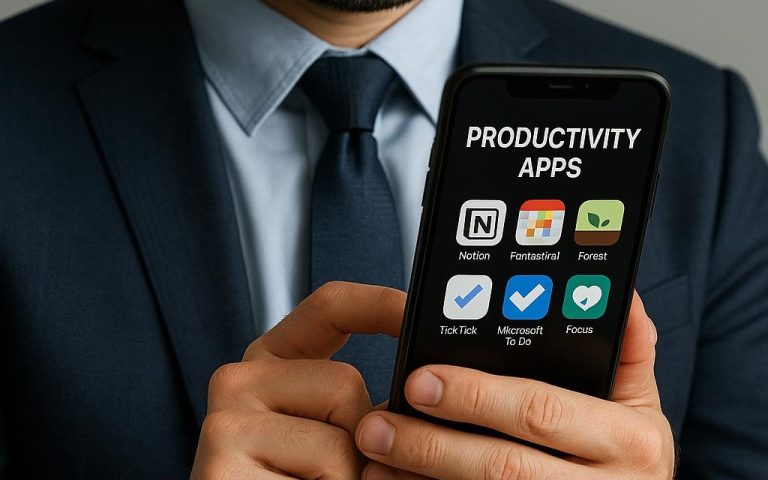
Productivity Apps You’ll Actually Use
Productivity Apps You’ll Actually Use
Ever feel like your to-do list is growing faster than you can check things off? You’re not alone. In our hyper-connected world, staying productive without feeling overwhelmed can seem impossible. The good news? There are productivity apps you’ll actually use—tools designed to boost your focus, simplify your workflow, and help you manage time like a pro. Whether you’re a student, professional, or creator, these apps can transform your day-to-day routine. Stick around, and you’ll discover how to finally get on top of your tasks with ease.
Top Productivity Apps That Actually Boost Your Focus
Finding the right productivity app isn’t just about downloading the most popular one. It’s about choosing tools that fit your style and help you stay focused without distractions. Apps like Forest and Focus@Will use clever techniques to keep you locked in on your work. Forest, for example, encourages you to stay off your phone by growing a virtual tree that flourishes the longer you focus. It’s a fun, visual way to resist distractions and build better habits.
Another gem is Todoist—a simple yet powerful task manager that organizes your projects with deadlines, labels, and priority levels. Its clean interface helps you break big projects into bite-sized tasks, making overwhelming workloads manageable. Plus, Todoist’s integration with calendars and email apps means you spend less time switching between tools, which can kill productivity.
Here’s the secret most people miss: the best productivity apps don’t just track your tasks—they help you build routines and maintain focus. By combining task management with focus-enhancing features, these apps create a seamless workflow that keeps you in the zone. Try one today and watch your productivity skyrocket.
Todoist | Forest | Focus@Will
How Free AI Tools Simplify Your Digital Workflow
In 2025, free AI tools are game-changers for anyone looking to streamline their digital workflow. These smart assistants automate repetitive tasks, help you organize information, and even generate content ideas—all without costing you a dime. For instance, Notion AI enhances your note-taking by summarizing long texts, suggesting edits, and helping create task lists from your meeting notes.
Another standout is Grammarly, which goes beyond spell-checking by offering tone suggestions and clarity improvements. This AI-powered writing assistant saves you time polishing emails, reports, or social media posts, so you can focus on what really matters. Best of all, it integrates seamlessly into browsers and popular writing platforms.
You’ll be surprised how simple this is: by adopting AI tools, you reduce mental clutter and increase efficiency. Instead of juggling multiple apps, these tools centralize your workflow, freeing up brainpower for creative or strategic thinking. If you haven’t tried AI-powered productivity apps yet, now’s the time to start.
Notion AI | Grammarly
Best Free Apps for Time Management in 2025 Edition
Managing your time effectively doesn’t have to be complicated or expensive. In fact, some of the best free apps for time management offer robust features without a price tag. Take Toggl Track, for example. This app lets you track how much time you spend on different tasks, helping you identify productivity leaks and plan your day better.
Another favorite is Google Calendar. It’s more than just a schedule—it integrates with your email, reminders, and even video calls, creating a hub for your daily planning. Using color-coded events and notifications, you can visually manage your time and never miss a deadline again.
Here’s a quick tip: combine time tracking apps with calendar tools for maximum impact. Track your work sessions with Toggl, then block focused work periods in Google Calendar. This combo helps you stay accountable and prevents burnout by balancing work and breaks. Give these free tools a try and watch your time management improve fast.
Toggl Track | Google Calendar
Organize Your Study and Work-Life Balance With These Apps
Balancing study, work, and personal life can feel like walking a tightrope. The right apps can make that balance easier by helping you organize tasks and set boundaries. Microsoft To Do is a great free app that lets you create daily task lists, set reminders, and sync across devices. It’s perfect for students and professionals juggling multiple responsibilities.
For managing work-life balance, RescueTime offers insightful reports on how you spend your digital hours. It tracks app usage and websites visited, then provides suggestions to reduce distractions. By understanding your habits, you can make intentional changes to protect your downtime and focus better during work hours.
💡 Quick insight: Most people waste hours switching apps — these tools fix that by centralizing your tasks and time tracking. Try combining Microsoft To Do for task management and RescueTime for digital wellness to create a harmonious routine.
Microsoft To Do | RescueTime
How Integrations Boost Your Productivity and Focus
One of the biggest productivity hacks is using apps that talk to each other. Integrations reduce the need to jump between tools, saving valuable time and mental energy. For example, Zapier connects over 5,000 apps, automating workflows like saving email attachments to cloud storage or creating calendar events from task managers.
Another powerful integration tool is IFTTT (If This Then That). It lets you create simple automation rules that trigger actions across your apps. Imagine getting a Slack notification when a new task is added in Trello or automatically backing up your notes to Google Drive. These automations keep your digital life organized without extra effort.
🚀 Pro tip: Bookmark this post, you’ll want to revisit these tools later. Start small by automating one repetitive task a week. Over time, these integrations compound into significant productivity gains and sharper focus.
Zapier | IFTTT
Choosing the right productivity apps you’ll actually use can transform how you manage your time, focus, and digital workflow. From focus boosters and AI helpers to time management and integration tools, there’s something for everyone. Remember, productivity isn’t about doing more—it’s about doing what matters efficiently. Start today with one app, and your future self will thank you. Ready to dive deeper? Next read: How to Automate Daily Tasks With Free Digital Tools →