
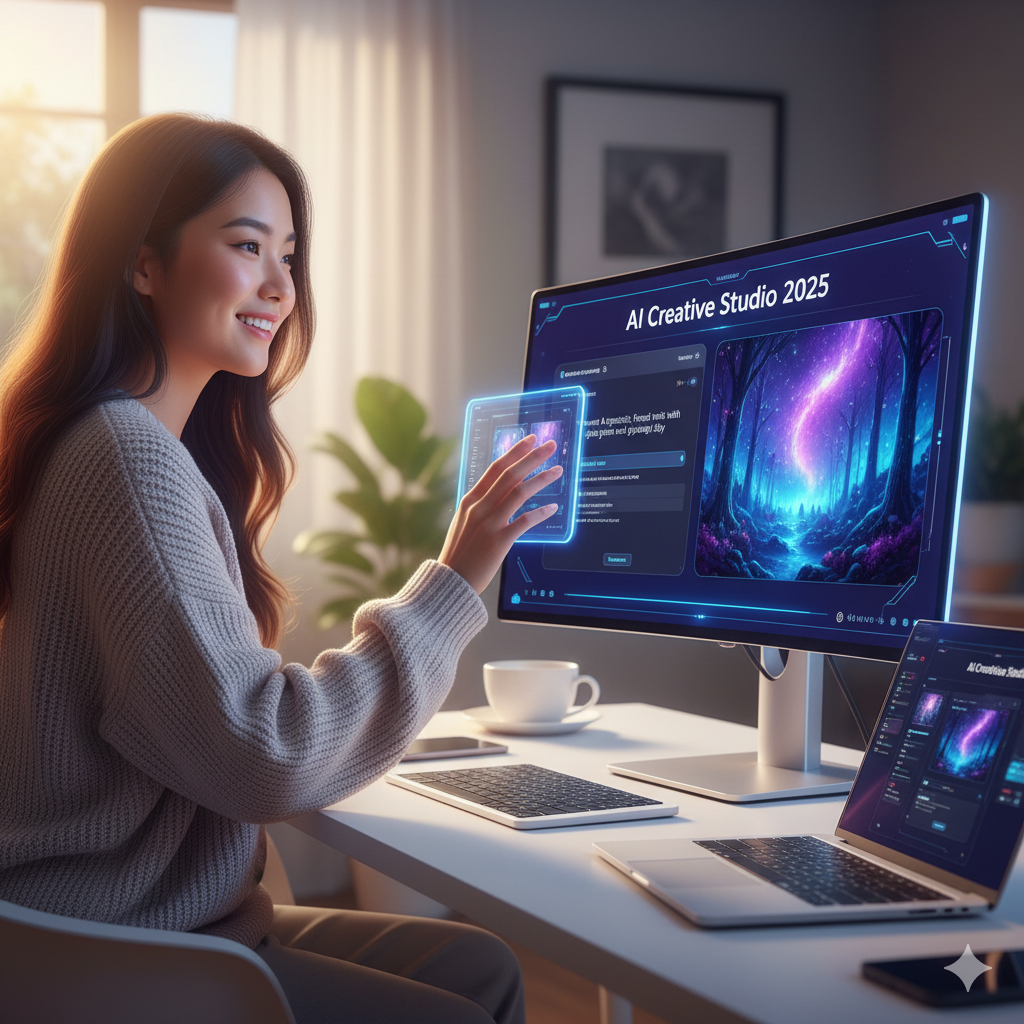
Top AI Image Tools for Non-Designers in 2025
Struggling to create eye-catching visuals without any design skills? You’re not alone. Many people hit a wall when trying to produce professional-looking images for work, study, or social media. Luckily, AI image tools for non-designers have exploded in popularity, making it easier than ever to craft stunning graphics quickly. These tools boost your productivity and help you focus on what matters most—your message. In this article, you’ll discover the top AI image tools for non-designers in 2025 that are free or affordable, simple to use, and perfect for anyone wanting to save time and stay organized.
Best AI Image Tools for Non-Designers to Boost Productivity
When you’re juggling deadlines and digital organization, every minute counts. That’s why AI image tools designed for non-designers are a game changer. They remove the steep learning curve of traditional graphic software. Instead, you get smart automation, intuitive interfaces, and ready-made templates that help you create professional images fast.
One standout is Canva (Canva*), which continues to dominate with its drag-and-drop simplicity and AI-powered design suggestions. Its free version is packed with templates, icons, and fonts, perfect for presentations, social posts, or quick flyers. Canva’s AI features help you pick color schemes and layouts that look polished, even if you’re a complete beginner.
Another tool to try is Adobe Express (Adobe Express*). It’s a lightweight, AI-enhanced app that helps you create branded content in minutes. Whether you’re making social media graphics or infographics, its AI-driven features suggest design improvements, making your work look sharp without the hassle.
💡 Quick insight: Using AI tools can cut your image creation time in half, freeing up more time for focus and productivity.
If you want something ultra-simple, look at Snappa (Snappa*). It’s built for speed and ease, with AI helping you resize images automatically and find the best stock photos. Snappa’s clean interface means you won’t get overwhelmed, and its free plan offers enough perks to get started right away.
🚀 Pro tip: Start by choosing one AI tool and mastering it before experimenting with others to maximize your time management.
Top Free AI Image Apps for Non-Designers in 2025 Edition
The 2025 edition of AI image apps brings even more power to your fingertips—for free. These tools leverage machine learning to generate images, suggest edits, and automate design tasks, all without charging a dime. Perfect for students, freelancers, or anyone balancing work-life demands.
First, check out Fotor (Fotor*). It’s an AI-enhanced photo editor and design maker that’s incredibly beginner-friendly. Fotor’s AI tools automatically enhance photos, remove backgrounds, and generate design ideas based on your input. Its free version is generous, especially for casual users needing quick, polished images.
Next up is Pixlr (Pixlr*), a cloud-based editor with AI-powered features like automatic cutouts and style transfer filters. Pixlr’s smart tools help non-designers create stunning visuals with minimal effort. Plus, it’s web-based, which means no downloads or installations—perfect for on-the-go productivity.
💡 Quick insight: Free AI image apps often include templates tailored for social media, presentations, and marketing, helping you stay organized and consistent.
Finally, explore Deep Dream Generator (Deep Dream Generator*), a unique AI tool that transforms your photos into artistic masterpieces. While it’s less about traditional design, it’s great for adding creative flair to your projects. Its free tier offers enough credits to experiment and find your style.
🚀 Pro tip: Pair these AI image apps with digital organization tools like Notion (Notion*) to keep your projects and assets neatly managed.
How AI Image Tools Enhance Time Management and Focus
You might wonder how AI image tools relate to time management and focus. The answer is simple: they reduce the time spent on repetitive design tasks and minimize distractions. Instead of wrestling with complicated software, you get to focus on your core work or study goals.
For example, Looka (Looka*) uses AI to generate logos and branding elements in minutes. This tool makes branding painless, so you don’t waste hours trying to design from scratch. The result? More time to focus on content creation or client work.
Similarly, Remove.bg (Remove.bg*) automates background removal instantly. This task usually takes time and patience, but AI handles it flawlessly in seconds. You’ll save precious minutes that add up over days and weeks.
💡 Quick insight: Automating small design tasks with AI helps maintain your mental energy and keeps distractions at bay.
🚀 Pro tip: Combine AI image tools with time-tracking apps like Clockify (Clockify*) to analyze how much time you save and improve your workflow.
Best Practices to Maximize AI Image Tools for Non-Designers
To get the most out of AI image tools, follow some simple best practices. First, plan your visuals around your message. AI tools are powerful, but they work best when you have a clear idea of what you want to create.
Second, experiment with templates and presets. Most AI tools offer a library of pre-built designs. Use these as a starting point to save time and boost creativity.
Third, leverage AI suggestions but always add your personal touch. AI can recommend colors, fonts, and layouts, but your unique style will make your images stand out.
💡 Quick insight: Regularly update your design assets and templates in AI tools to keep your visuals fresh and aligned with your brand.
🚀 Pro tip: Schedule dedicated time blocks for image creation to maintain focus and avoid multitasking pitfalls.
How to Choose the Right AI Image Tool for You
Choosing the right AI image tool depends on your specific needs and workflow. Ask yourself: Are you creating social media posts, presentations, or marketing materials? Do you need quick edits or full design capabilities?
If you want an all-in-one platform, Canva (Canva) or Adobe Express (Adobe Express) are excellent choices. For photo editing with AI magic, Pixlr (Pixlr) or Fotor (Fotor) shine.
Consider your budget, too. Many tools offer free versions with essential features, but premium plans unlock more advanced AI capabilities. Try free versions first to see what fits your style and productivity needs.
💡 Quick insight: Test at least two AI image tools before committing to find the best fit for your digital organization habits.
🚀 Pro tip: Bookmark tutorials and user communities for your chosen tools to speed up learning and discover new tips.
Conclusion
In 2025, AI image tools for non-designers are your secret weapon for boosting productivity, improving focus, and mastering time management. Whether you’re a student, professional, or content creator, these tools simplify image creation and free you from design frustration. From Canva’s versatile platform to Pixlr’s powerful AI editing, the options are vast and accessible—many for free! Start experimenting today and watch your digital projects come alive with less effort and more impact.
Remember, the right tool combined with smart habits can transform how you work and study. Start today—your future self will thank you.


